
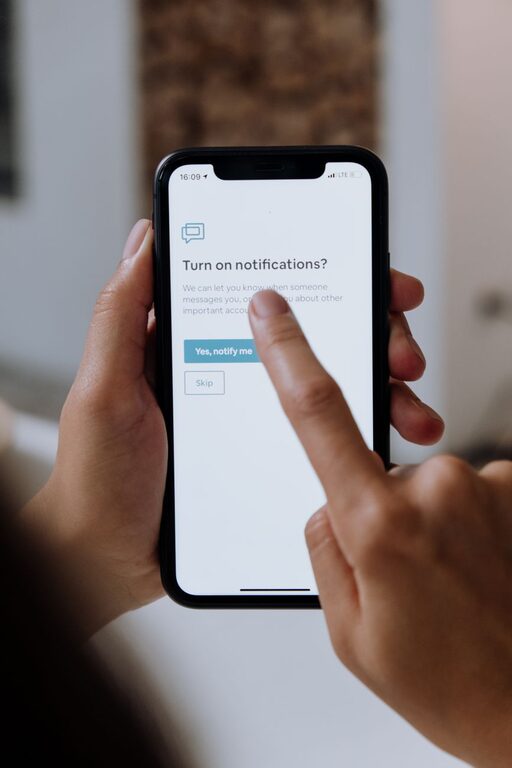
In today’s hyper-connected world, notifications from apps, emails, and social media can easily interrupt our flow and divide our attention. While notifications serve a purpose by keeping us informed, they often become a source of distraction, stress, and reduced productivity. Setting clear boundaries with notifications is essential for maintaining focus, reducing overwhelm, and improving overall well-being.
This post will explore practical tips to help you manage and set healthy boundaries around your notifications, so you can take control of your digital environment and stay focused on what matters most.
Why Setting Boundaries with Notifications Matters
Notifications often demand immediate attention, pulling us away from tasks, conversations, or downtime. This constant disruption can lead to:
– Decreased productivity and focus
– Increased stress and anxiety
– Fragmented attention and slower task completion
– Difficulty relaxing or disconnecting from work
By setting boundaries, you create a digital environment that supports your priorities and allows you to engage more fully with your activities, whether working, spending time with family, or resting.
Tips for Setting Boundaries with Notifications
1. Audit Your Notifications
Start by reviewing which apps and services are sending you notifications. Ask yourself:
– Which notifications are essential?
– Which ones can be turned off or minimized?
– Are there apps sending redundant or unnecessary alerts?
Go into your phone or computer’s notification settings and disable alerts for non-critical apps first. This reduces clutter and interruptions.
2. Use Do Not Disturb Modes Strategically
Most devices have a “Do Not Disturb” (DND) feature allowing you to silence notifications temporarily.
– Use DND during focused work sessions or meetings.
– Set a schedule for DND during nights or personal time.
– Customize exceptions to allow calls or messages from important contacts only.
This helps create undisturbed blocks of time to focus and recharge.
3. Customize Notification Sounds and Visuals
Some notifications feel more urgent because of loud sounds or flashing banners.
– Assign subtle or silent notifications to less critical apps.
– Avoid overly distracting tones or vibration patterns.
– Disable pop-ups or banners if they disrupt your flow.
This allows you to be aware of new alerts without breaking concentration unnecessarily.
4. Set Timed Check-Ins for Notifications
Instead of responding to notifications as soon as they arrive, designate specific times to check them.
– For example, check emails only 2–3 times daily at set intervals.
– Batch social media or chat app notifications into short breaks.
– Avoid continuous monitoring, which fragments attention.
Time-blocking notification review helps maintain focus while keeping you informed.
5. Prioritize Notifications with App Settings and Filters
Some apps provide options to filter notifications or highlight only important messages.
– Use email filters to separate urgent messages from newsletters.
– Enable “priority only” alerts on messaging apps.
– Mute group chats or disable notifications for low-priority conversations.
Tailoring alerts based on importance keeps your attention on what matters.
6. Communicate Your Boundaries to Others
If you work in a team or use messaging apps for collaboration, let colleagues know about your notification boundaries.
– Share your preferred communication times or channels.
– Set expectations on response times during focused work.
– Use status indicators or away messages to signal when you are unavailable.
Clear communication reduces pressure to respond immediately and respects your focus time.
7. Use Notification Management Apps or Features
Consider tools designed to help manage notifications more efficiently.
– Some apps consolidate notifications into a single feed for review.
– Others use AI to prioritize messages based on your habits.
– Explore built-in OS features like Focus modes on iOS and Android.
Leverage technology to automate and simplify notification control.
8. Regularly Reevaluate and Adjust Your Boundaries
Notification needs change over time based on your work, projects, and lifestyle.
– Periodically review which notifications you receive.
– Adjust settings as priorities shift or new apps are added.
– Stay flexible and patient as you find the right balance.
Ongoing adjustments help maintain a healthy relationship with technology.
Creating a Balanced Notification Routine
By combining the tips above, you can create a routine that respects your focus and well-being:
- Start your day by checking critical notifications first rather than constantly throughout.
- Turn on Do Not Disturb during high-focus tasks or personal time.
- Batch check less urgent updates during breaks.
- Communicate with your team about your availability.
- Review and adjust app notification settings regularly.
This routine reduces constant interruptions and builds healthier digital habits.
Conclusion
Managing notifications effectively is a key skill in today’s digital age. With intentional boundaries and strategies, you can reclaim your time and attention, reduce stress, and improve productivity. Start by auditing your notifications today and experiment with these tips to find what works best for you. Over time, you’ll create a more focused, balanced, and enjoyable digital experience.
Remember, notifications are tools meant to serve you—not control you. Setting boundaries empowers you to take back control of your day and focus on what truly matters.